Set up the Bunker
Setup has two sides: COLDCARD HSM configuration and Bunker host configuration. Treat the host as operational infrastructure and the COLDCARD as the policy authority.
COLDCARD setup
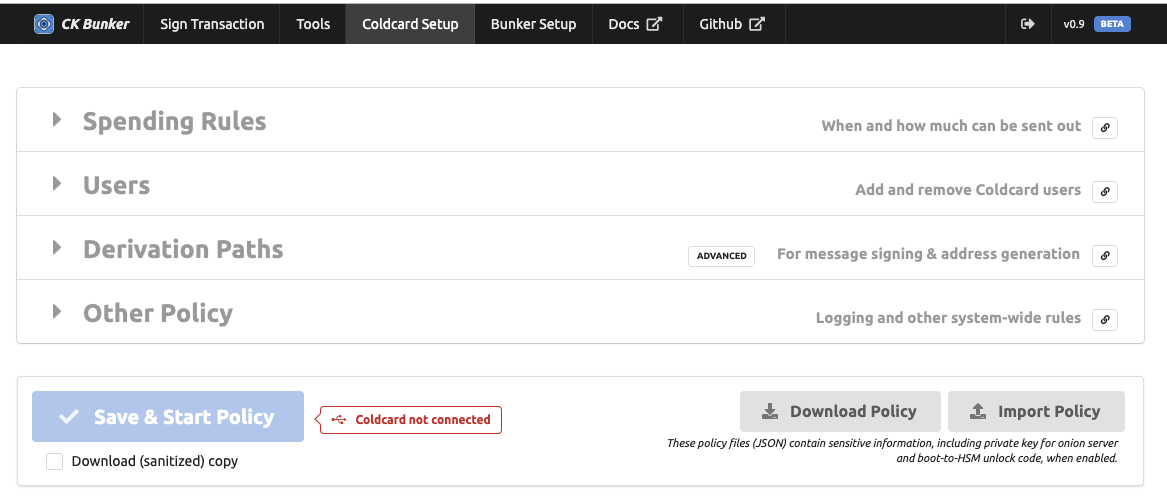
Before CKBunker can operate HSM mode, HSM USB commands must be enabled locally on the device. Use the COLDCARD menus to enable HSM commands, then define the policy that the device will enforce. The policy must be reviewed and accepted on the COLDCARD; a desktop program should not be able to silently install a generous policy and start HSM mode.
Bunker setup
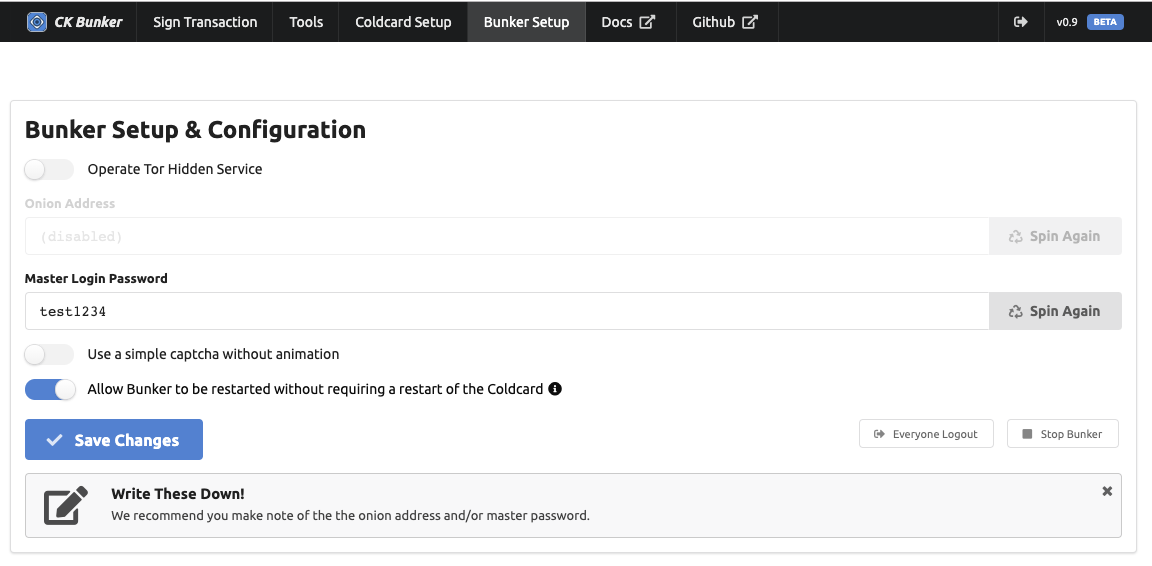
The Bunker setup chooses how the web application will run: local-only, Tor hidden service, login password, and encrypted settings. Use local-only mode until you have confirmed that policy enforcement works exactly as intended.
Encrypted settings
CKBunker stores its settings as encrypted files under the local data directory. The secret used to unlock those settings is kept in the COLDCARD Storage Locker, so an attacker who copies the disk does not automatically get the onion-service key or Bunker settings. If an attacker captures the running host, however, they may observe memory and active web sessions.
Host compromise assumption
The Bunker host may see PSBTs, traffic timing, and UI activity while it is running. Configure the HSM policy as though the host could eventually be captured. The safety property is that the host should not be able to change the already-approved COLDCARD policy or sign outside it.
Privacy over UX
The original HSM security notes explain why policy details, usernames, and status fields can be semi-sensitive. CKBunker exposes enough information to make operation usable, but deployments with higher threat models should consider enabling privacy-over-UX settings and keeping local audit procedures separate from the host.
Next
Design the HSM policy before accepting remote signing requests.